Booking software for fitness classes.
Members book their mat or bike in your yoga, barre, spin or bootcamp class, and their class pass covers it. Each fitness class stops taking bookings when it's full, and instructors who connect Google Calendar see what they're teaching there.
For: yoga, pilates and barre studios, spin and boxing rooms, HIIT and bootcamp trainers, dance fitness and prenatal classes, and instructors who teach in rented rooms, parks and pop-ups.
You sell the same spots again every week.
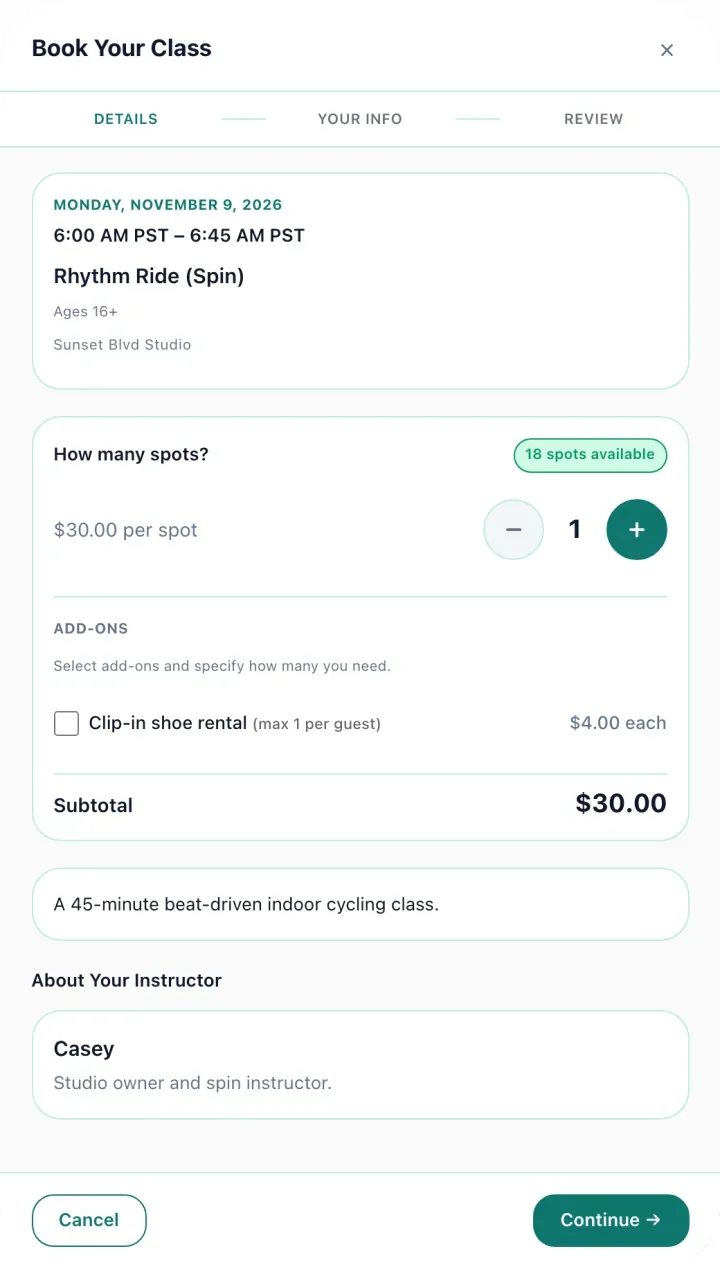
Members open the timetable, book a spot, and either pay or use a class from their pass. The confirmation arrives by email and the spot is theirs.
No password to forget. Members sign in with a link we email them. If your policy allows it, that's also how they cancel when they can't make it.
Where a studio's week goes.
Running the timetable by hand usually looks like this.
Counting passes
A spreadsheet tallying how many classes each member has left.
Class passes count down by themselves, one class at a time.
Booking by DM
Members messaging to ask if there's room at 6am, one reply at a time.
Members see what's free and book the 6am themselves.
Drop-ins paid later
Transfers from drop-in members, matched to the class list after the fact.
Drop-ins pay by card when they book.
Waivers at the front desk
A liability form for every new face, signed on paper while class is about to start.
New members sign the waiver online before they arrive.
Late cancels
Someone cancels an hour before, and there's no rule for whether they get the class back.
Your cancellation policy decides the refund, the same way every time.
Bikes left empty
A full class gets a cancellation, and nobody who wanted in knows the spot is free.
Members on the waitlist get an email when a spot opens.
What a fitness studio gets.
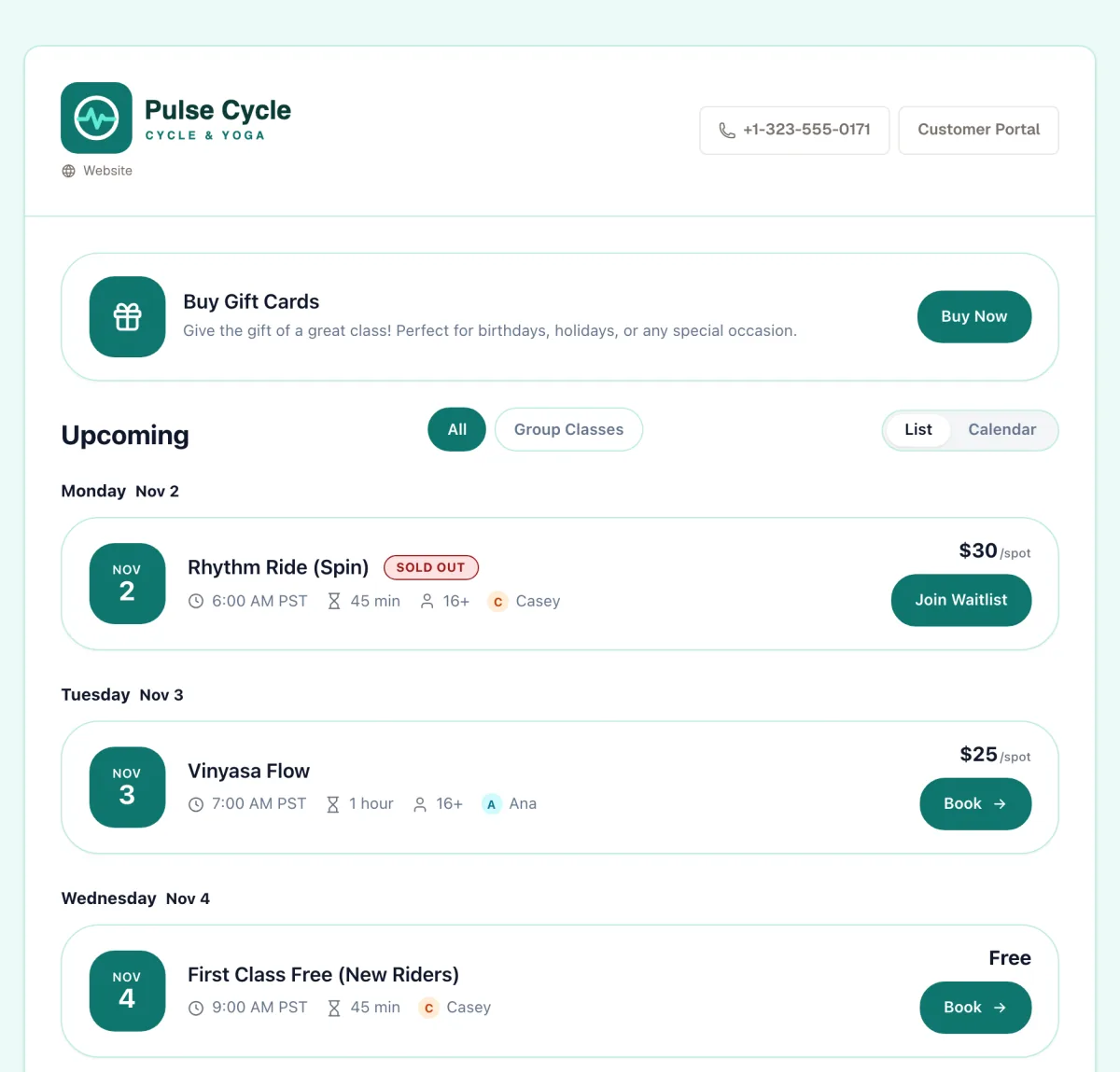
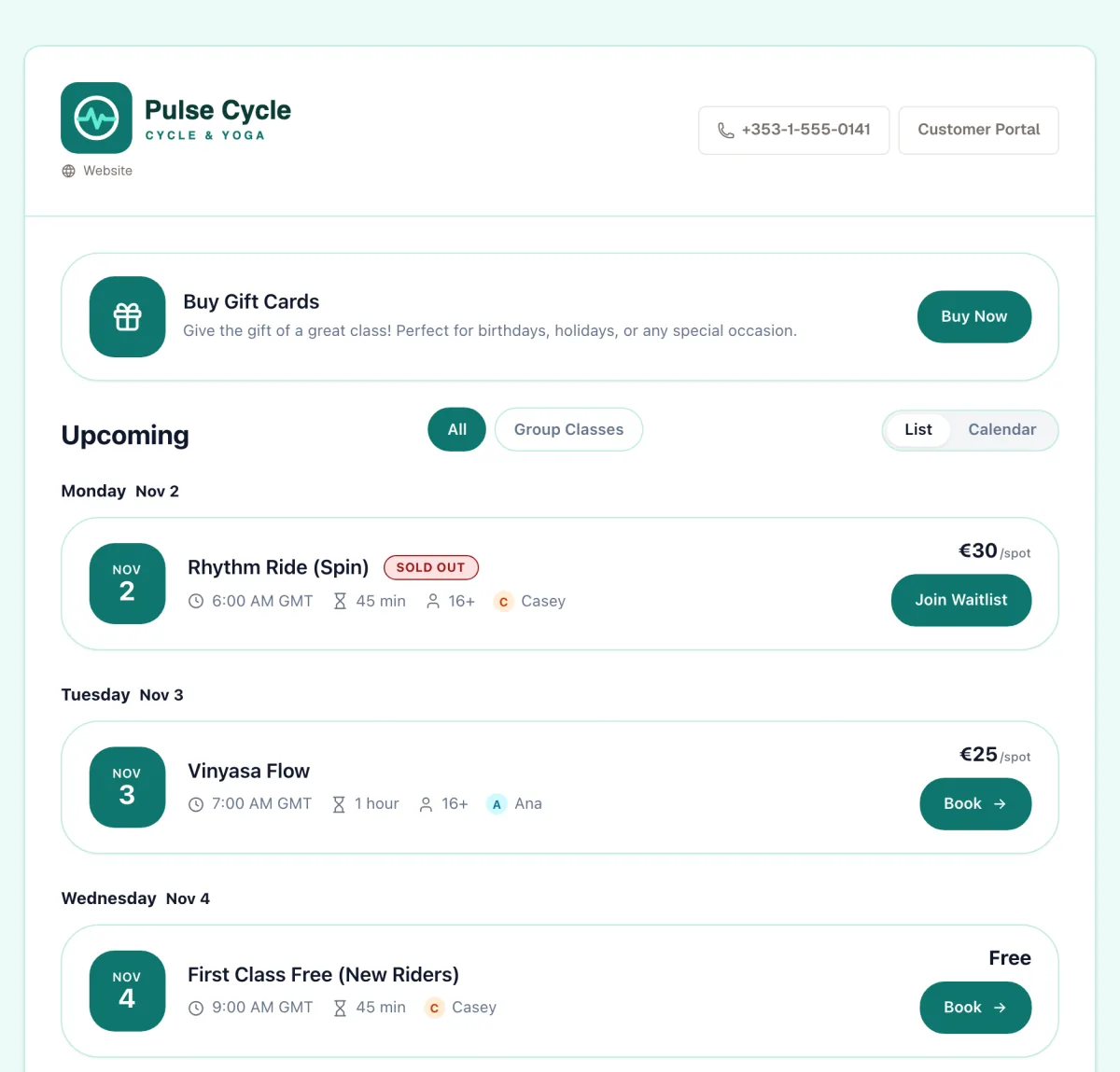
- A weekly timetable. Set up a class once and repeat it on the same days each week, until a date you choose.
- Full means full. Each class stops at the number of spots you set, and you can switch on a waitlist for the full ones.
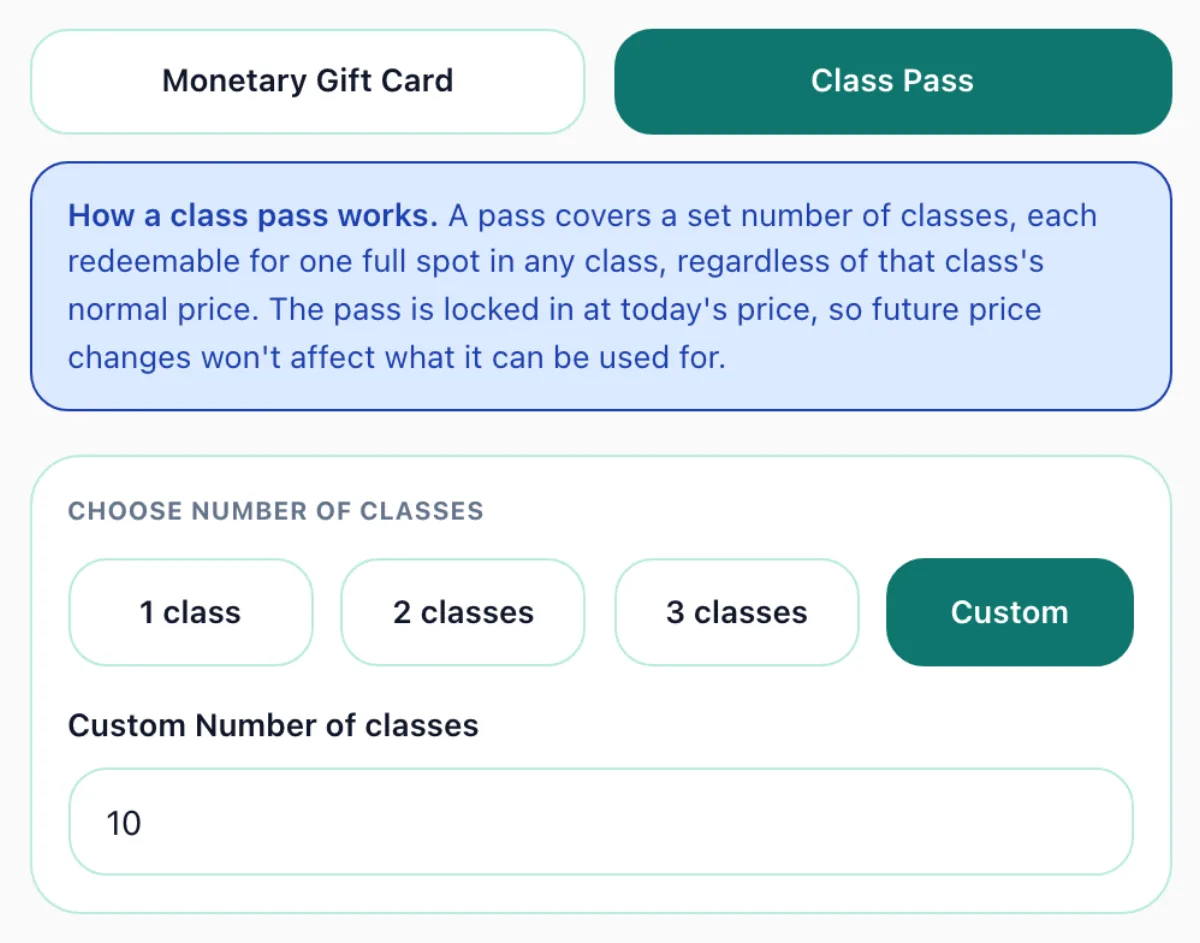
- Class passes. Sell a 10-class pass and it's used one class at a time at checkout. Raise your prices later and passes already sold still cover their classes.
- Memberships. A plan that renews every week, month, quarter or year and covers a set number of classes, or unlimited classes. Members book without paying each time.
- Drop-ins. Members without a pass pay by card through Square or Stripe, or use a gift card or promo code.
- Sliding-scale classes. Offer a community class at a low, middle and high price, and let each person pick what they can pay. Everyone shares the same spots, and reports show how many sold at each price.
- Instructor calendars. Assign who's teaching each class. Instructors who connect Google Calendar see it there.
- Waivers and reminders. The liability waiver is signed online. Turn on reminders for a class and members get an email before it starts. Reports show revenue and tax.
Set the timetable once.
Build the timetable
Set up each class once and repeat it on the days you run it, through to the end of the season.
Put the link where members look
In your Instagram bio, or as booking right on your own website.
Members book
They use a pass or pay, and the spot is held while they do. The waiver is signed in the same step.
Classes run
Members can get a reminder, and you can check takings whenever you like.
Built for classes people book one at a time.
Gym software is built around a member app, a front desk and door access. If your classes run on drop-ins, class passes, memberships and special sessions, that is a lot of system to pay for.
- Bootcamps and outdoor classes. A bootcamp in the park, yoga on the beach or a weekend run club. Share a booking link from your Instagram bio, with no website or front desk needed.
- Instructors who teach in more than one place. Add each rented studio or park as a venue in one account. Plans are priced by spots a month, not by location.
- Workshops and short courses. An inversions workshop, a six-week prenatal yoga course or a dance intensive, sold as one booking and paid once.
- Boutique studios selling class passes. Barre, pilates or boxing with drop-ins, 10-class passes and monthly memberships, and every feature on every plan.
- Bring a friend. A first-timer books for themselves and a friend in one checkout, with no account to create and no app to download.
- Private sessions for teams. A company books a private HIIT class for its staff with one link, paying a deposit to hold the date and the balance later.
- Family memberships or bank debits. Memberships are paid by card, one person to a membership.
- A branded member app. Members book on your booking page or your website, in their browser.
- Text message reminders built in. Reminders go by email. To text customers too, connect Zapier to your own SMS app.
- One-to-one personal training. FullClass sells spots in a class, not appointments against your open hours.
Need one of these? See which booking tools have them.
Coming from Mindbody? See how FullClass compares.
Related features
Get your next class booked.
Set up a booking page this afternoon. Move it onto your own website, or build on the API, whenever you like.
30-day free trial · Cancel anytime