Embeddable booking widget.
Customers find a class, pick their spots and pay right on your website, in your colors. Nobody gets sent somewhere else to book.
For: anyone who already has a website and wants people to book on it, not on a separate page.
Watch a booking on a studio's own website.
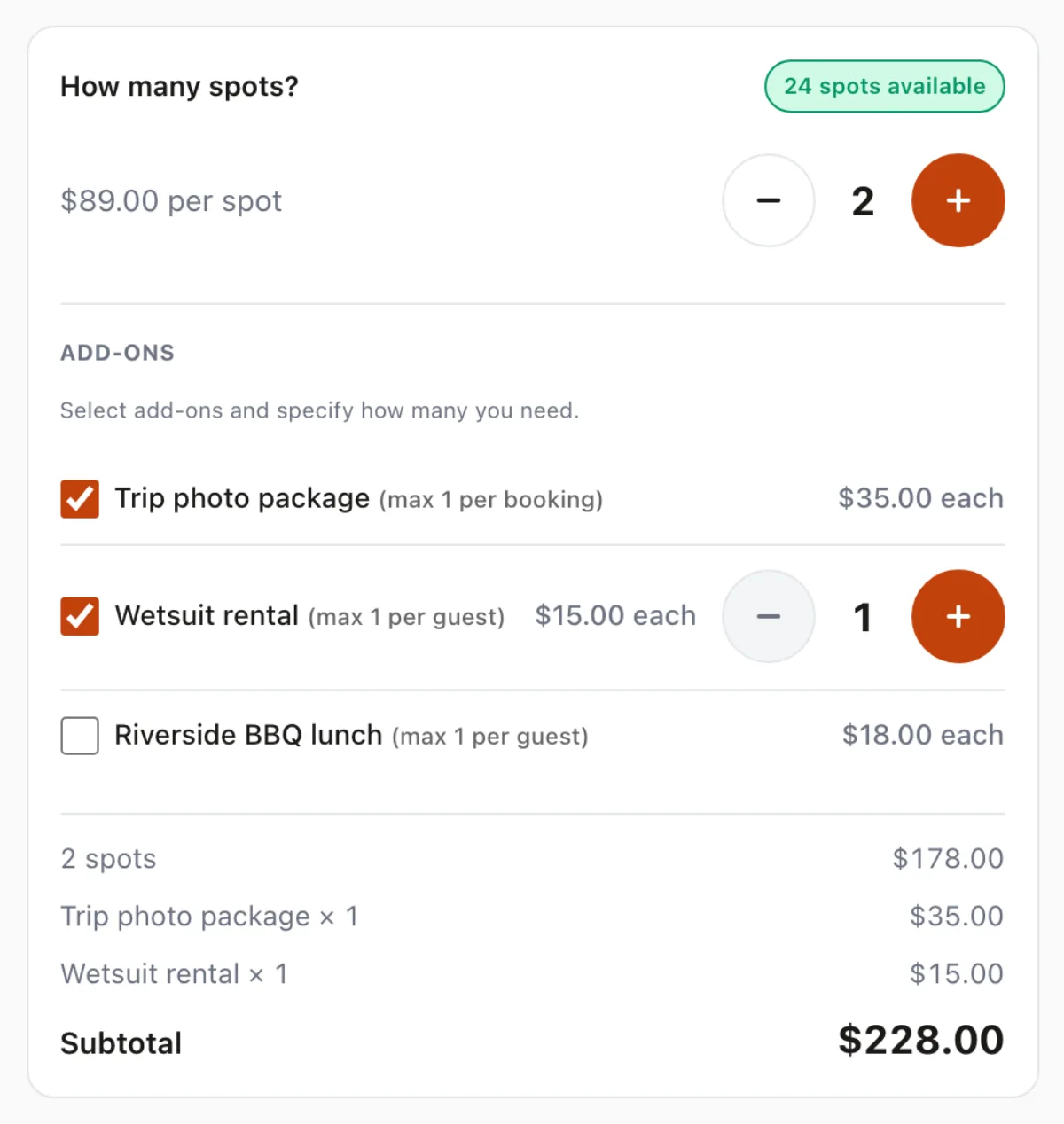
A cooking school's website, with the FullClass widget in the school's own colors. A customer picks a class, books it and pays without leaving the page.
Two lines of code, and booking is on your site.
Paste two lines into any page, with your own booking key, and your upcoming classes appear right there with a checkout in your colors. People stay on your website from the first click to the confirmation.
The booking key on your page can only show your classes and sell spots and gift cards, and you can limit it to the websites you list. Everything else works just like a FullClass booking page. A class never oversells and nobody is charged twice, and you can hold a group's spots while they pay.
One line for your key, one to load the widget.
Paste both where you want booking to appear.
Copy & paste
nothing else to do
On WordPress, the free FullClass Booking plugin adds the widget as
a block, with no code to paste. The two lines also work in a Wix
or Squarespace code block, or any page that allows custom HTML and
external scripts. For the JavaScript embed, call
FullClassBooking.init(…) with a target element
and a config object.
Stop sending customers somewhere else to book.
If any of these ring a bell, a booking link that leads off your site is costing you bookings.
Sent to someone else's site
Customers land on a page that looks nothing like yours and wonder if they're in the right place.
Customers book on your own website, without leaving it.
Booking that looks out of place
Wrong fonts and wrong colors, on every screen.
Match your own colors and fonts.
English-only checkout
No way to show booking in the language your customers actually read.
Booking in your customers' language, through to the confirmation email.
No analytics
Bookings happen on someone else's website, so you never find out what your marketing earned.
Bookings show up in Google Ads, GA4 and Google Tag Manager.
Code anyone can copy
Someone lifts the booking code off your page and uses it on a site of their own.
Limit the booking key to the websites you list.
Manual payments
Chasing e-transfers and ticking them off your class list by hand.
Customers pay by card through your Square or Stripe account.
It looks like your site, because you style it.
- Made to match your site. About 90 CSS variables for your colors, fonts, spacing and corners. See every one.
-
Or start from nothing. Turn our styling off
with
data-fullclass-bare="true"and let your designer build the look from scratch. - Built-in languages. English, French, Spanish, Italian, German, Dutch, Portuguese (Portugal), Greek, Finnish, Estonian, Latvian, Lithuanian, Slovak, Slovenian, Croatian and Bulgarian, from the schedule to the confirmation email. See every language. If you don't pick one, the widget uses your studio's language. With the JavaScript embed you can also reword any of the widget's own text.
- One activity per page. Pottery on one page, painting on another? Copy that category's widget code from Settings, and each page shows only its own classes and courses.
- Your words for the in-between moments. With the JavaScript embed, write what customers see while the widget loads, when a class has no dates left, or if something goes wrong.
- Payments already set up. The widget uses the Square or Stripe account you've already connected, so there's no payment setup to do on your website.
- Gift cards & courses. Sell gift cards, and take bookings for single classes or whole multi-session courses, in the same widget.
- Conversion tracking. Bookings and purchases show up in Google Ads, GA4 and Google Tag Manager, under your own tracking IDs.
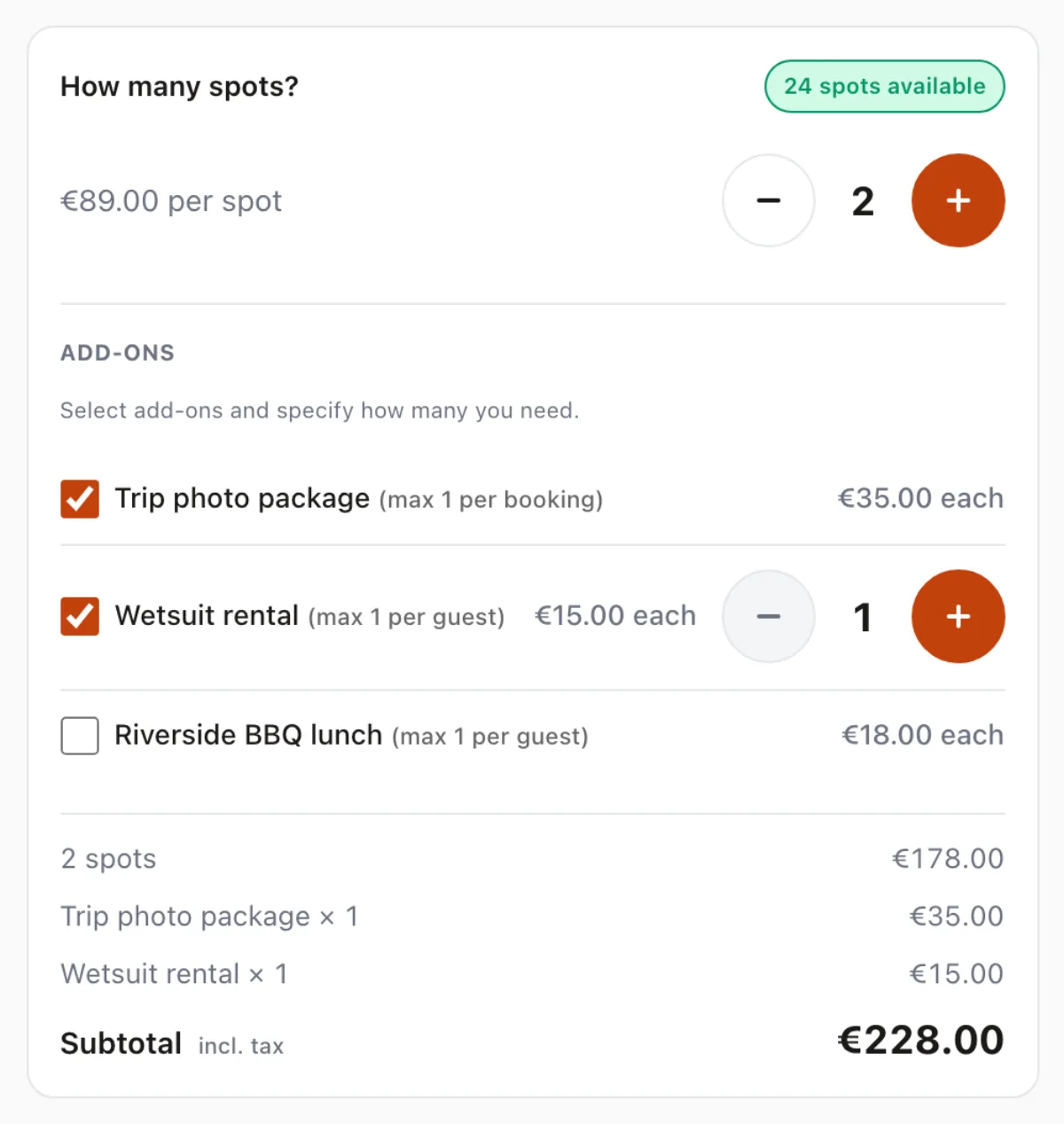
- Your currency. Set it once, and prices show in your currency all the way through.
From pasting the code to the first booking.
Create your booking key
Make a key that's safe to put on a public page, and list the websites allowed to use it.
Paste in the two lines
Add them to your page and booking appears right there, in seconds.
Theme and translate
Set your colors and fonts and pick one of 16 languages. To write your own loading and error text, or reword the widget, use the JavaScript embed instead of the two lines.
Customers book on your site
Someone books three spots with a gift card and pays the rest through your own Square or Stripe account. The sale shows up in your analytics.
Related features
Put booking on your own site.
Set up a booking page this afternoon. Move it onto your own website, or build on the API, whenever you like.
30-day free trial · Cancel anytime