What to bring, and what to prepare, for every class.
List what guests bring and what the studio provides. Guests see their list when they book and again in their emails. The team gets a prep list with every amount multiplied by the guests coming.
Best for: cooking classes, paint nights and outdoor trips, where guests need to bring something or the studio buys and sets out supplies for each guest.
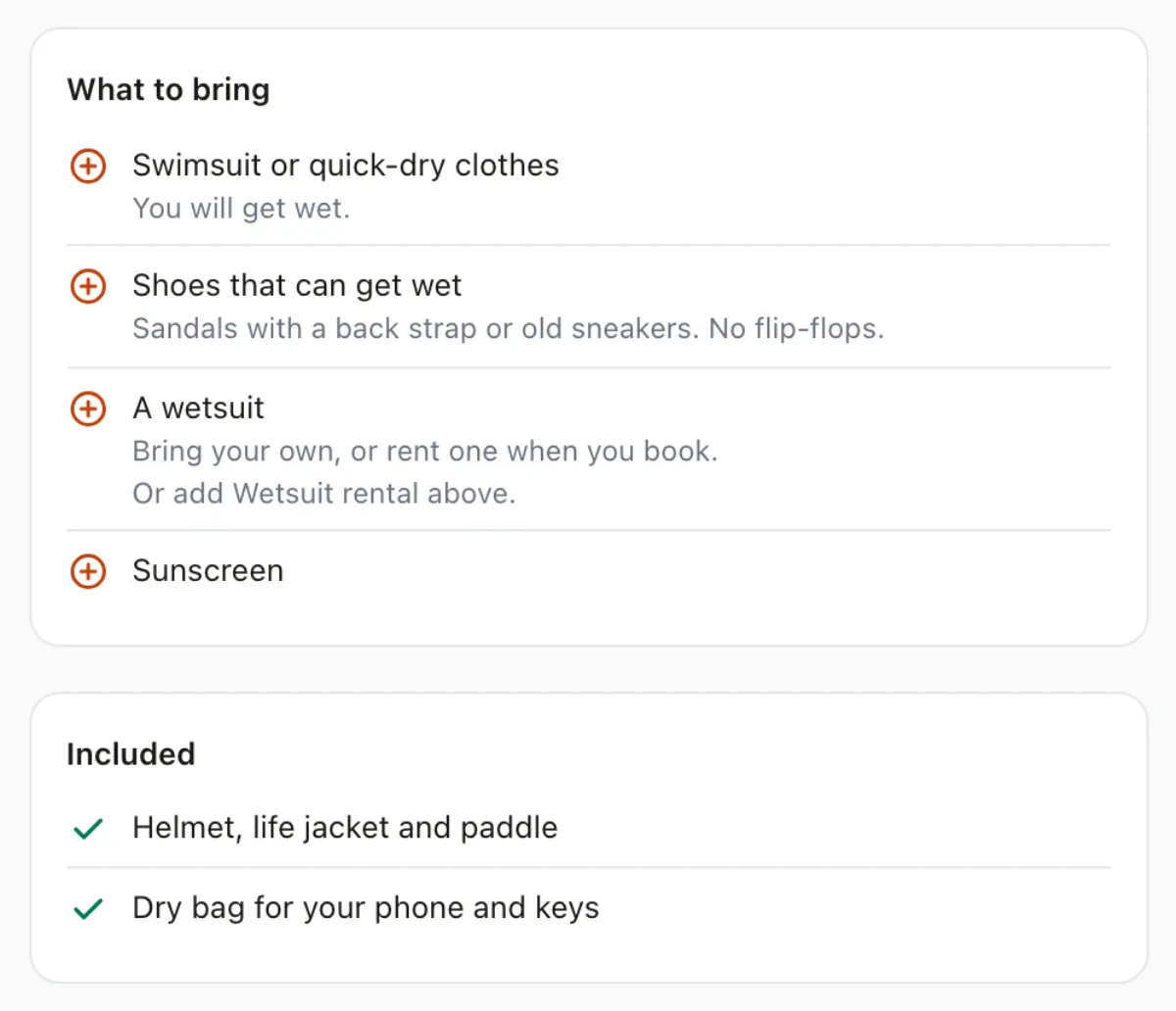
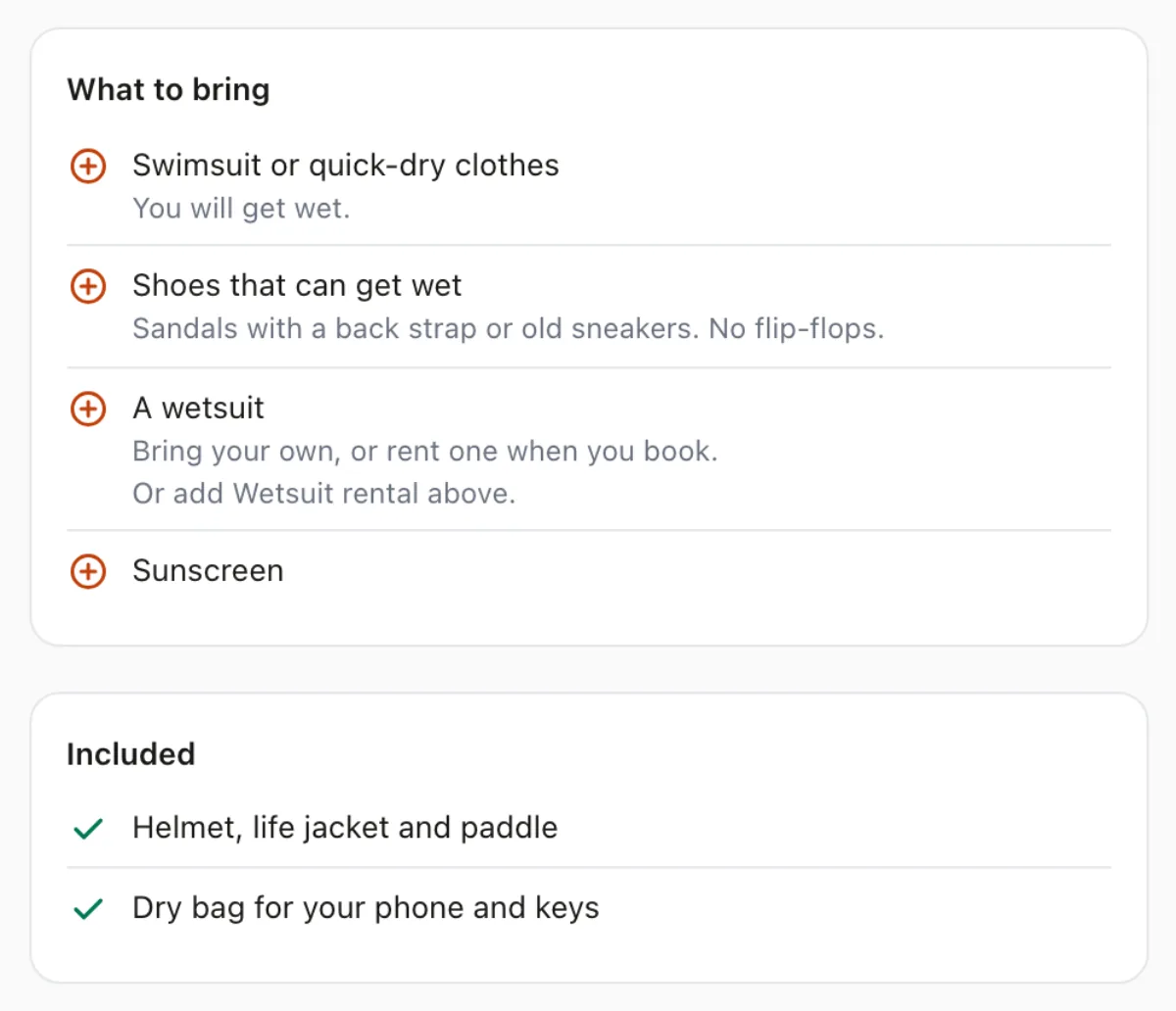
Guests arrive with the right shoes.
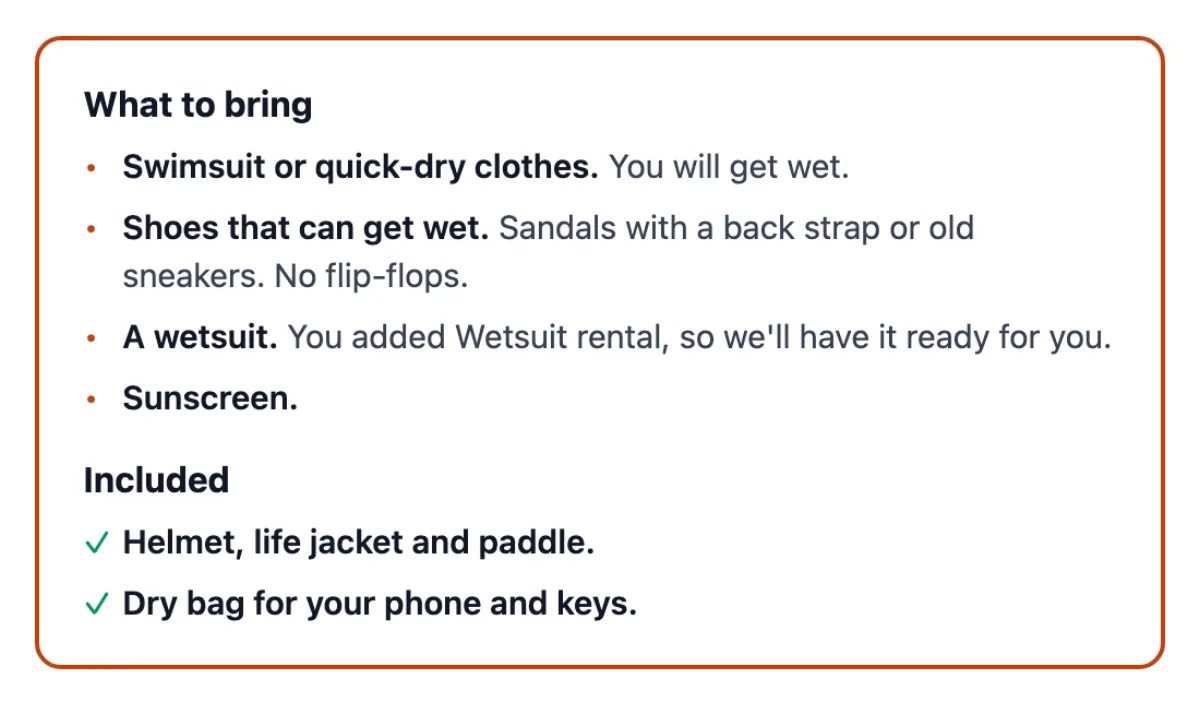
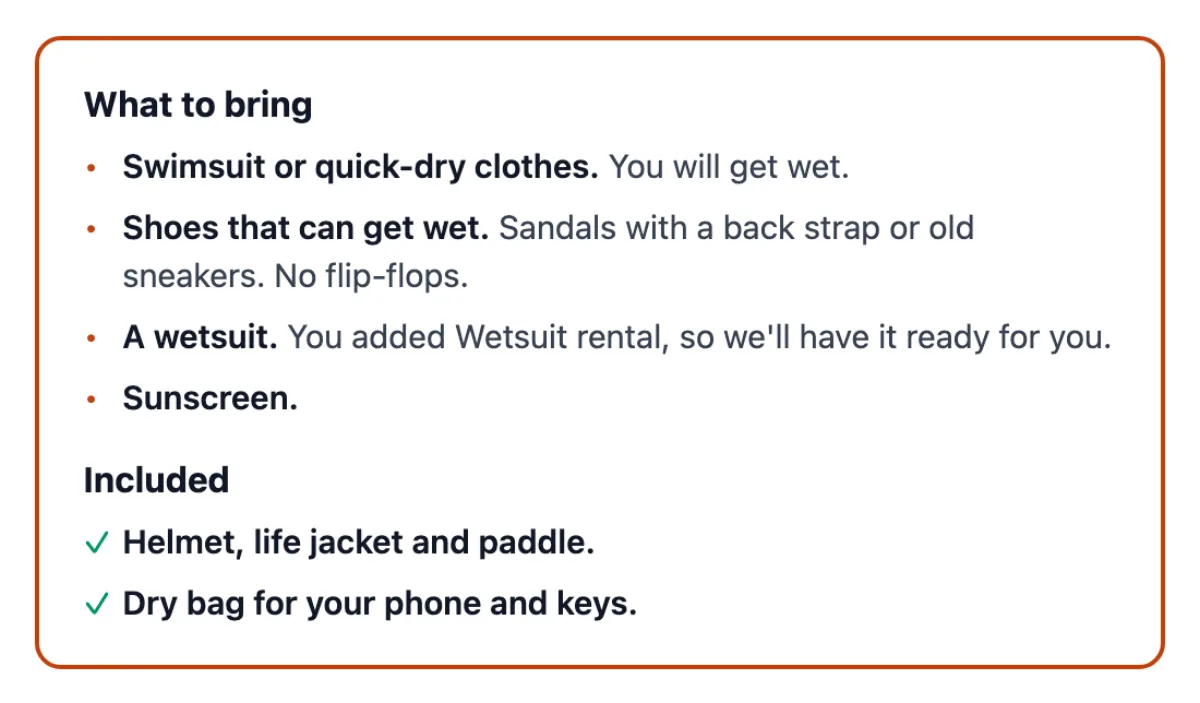
A line about closed-toe shoes in a class description gets read once, if at all. Class supplies puts What to bring on its own card on the booking page, and repeats it in the booking confirmation and the class reminder.
A guest item can point at one of the class's add-ons, like a wetsuit to rent. Guests who added it are told it will be ready for them.
A prep list that does the multiplying.
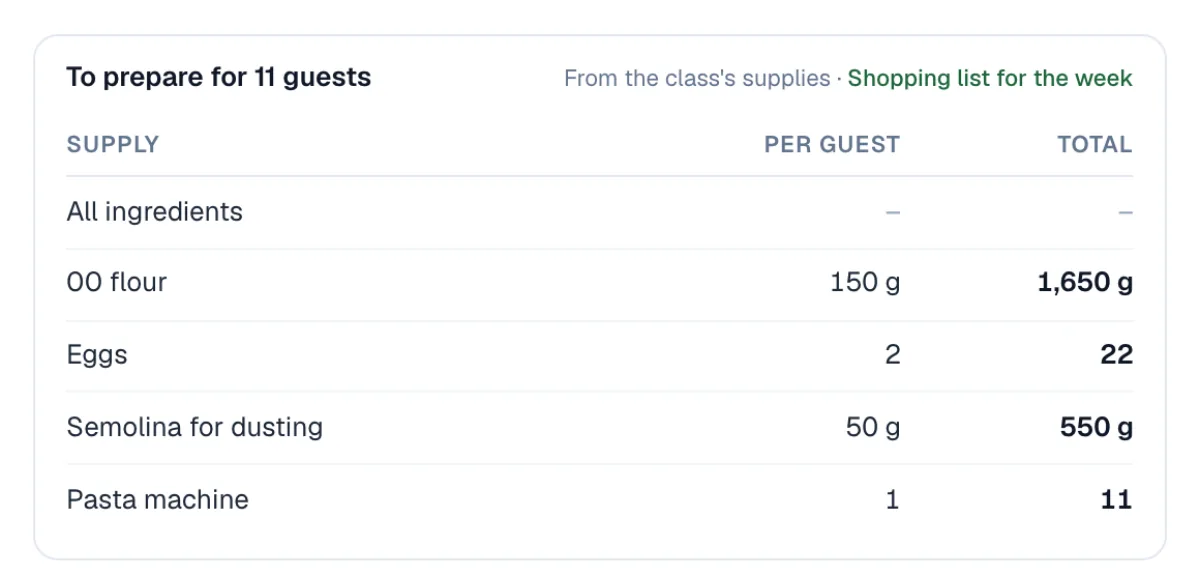
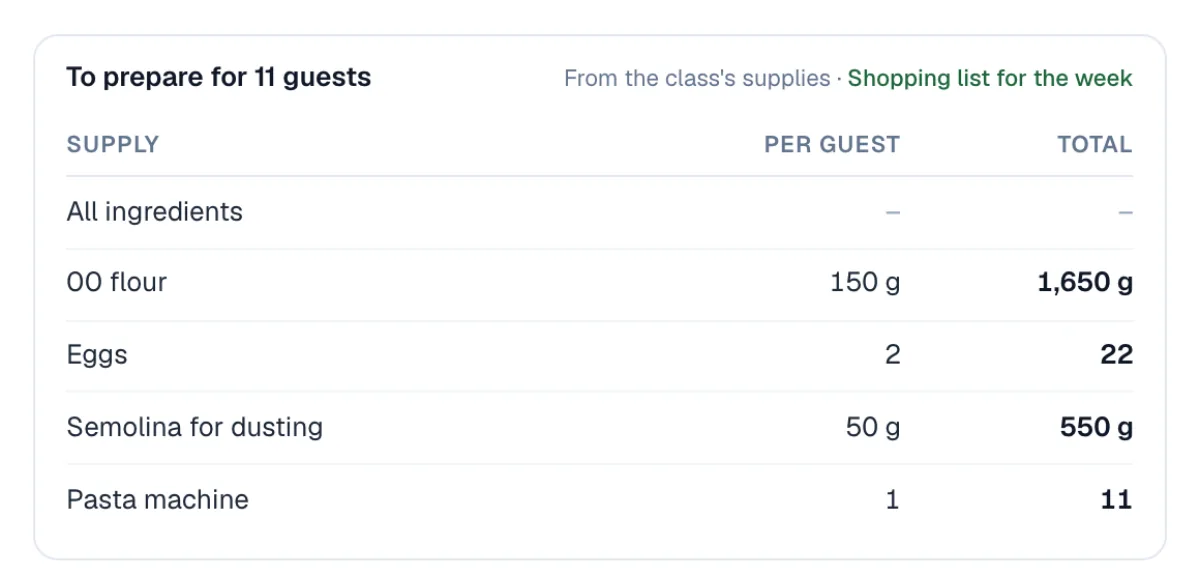
Enter what one guest needs, like 150 g of flour or two eggs. The class roster shows the totals for the guests coming, and the instructor's roster email carries the same list.
The count is the guests who are booked and paid, so the prep list moves with the bookings.
One shopping list for the week.
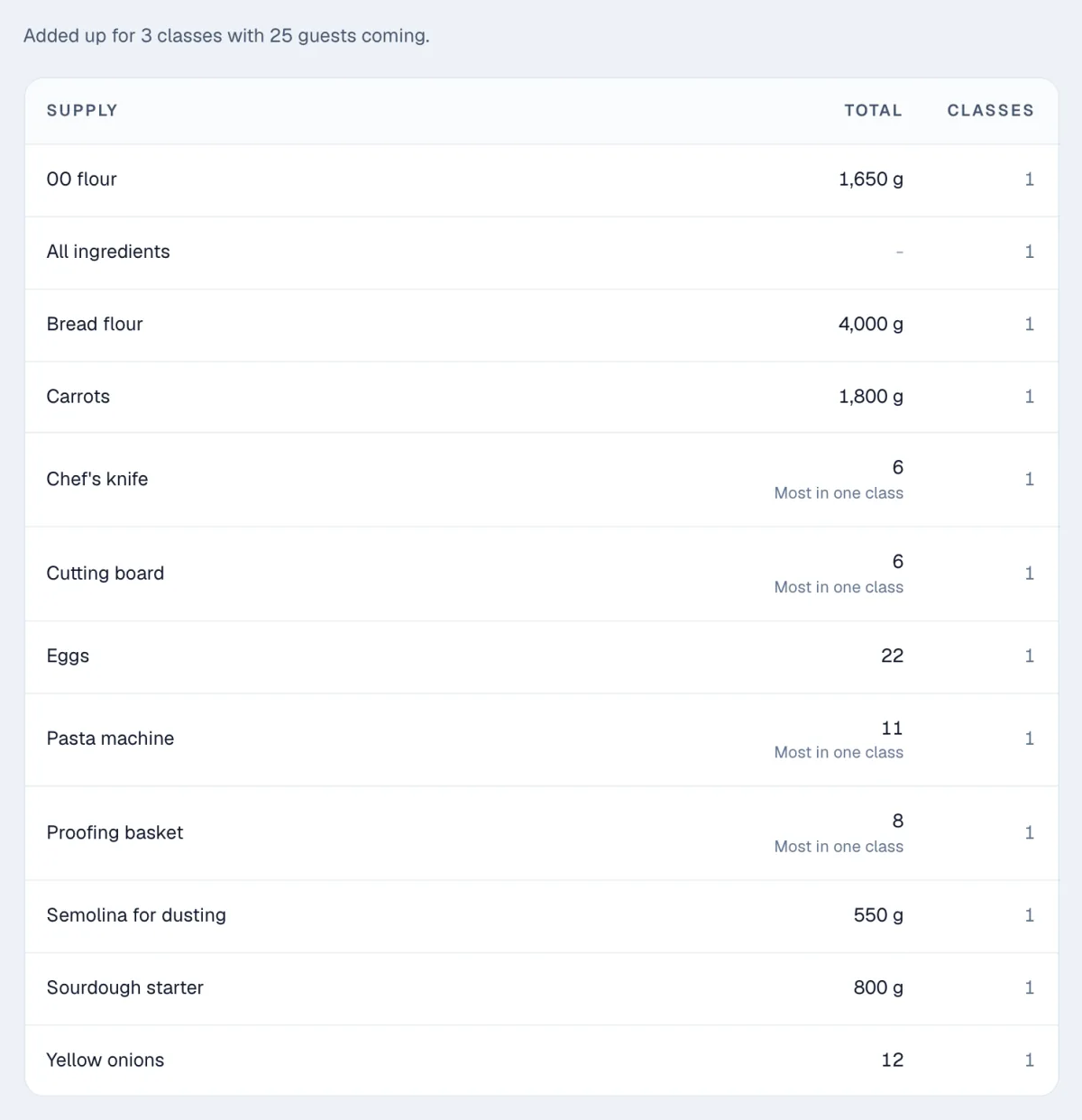
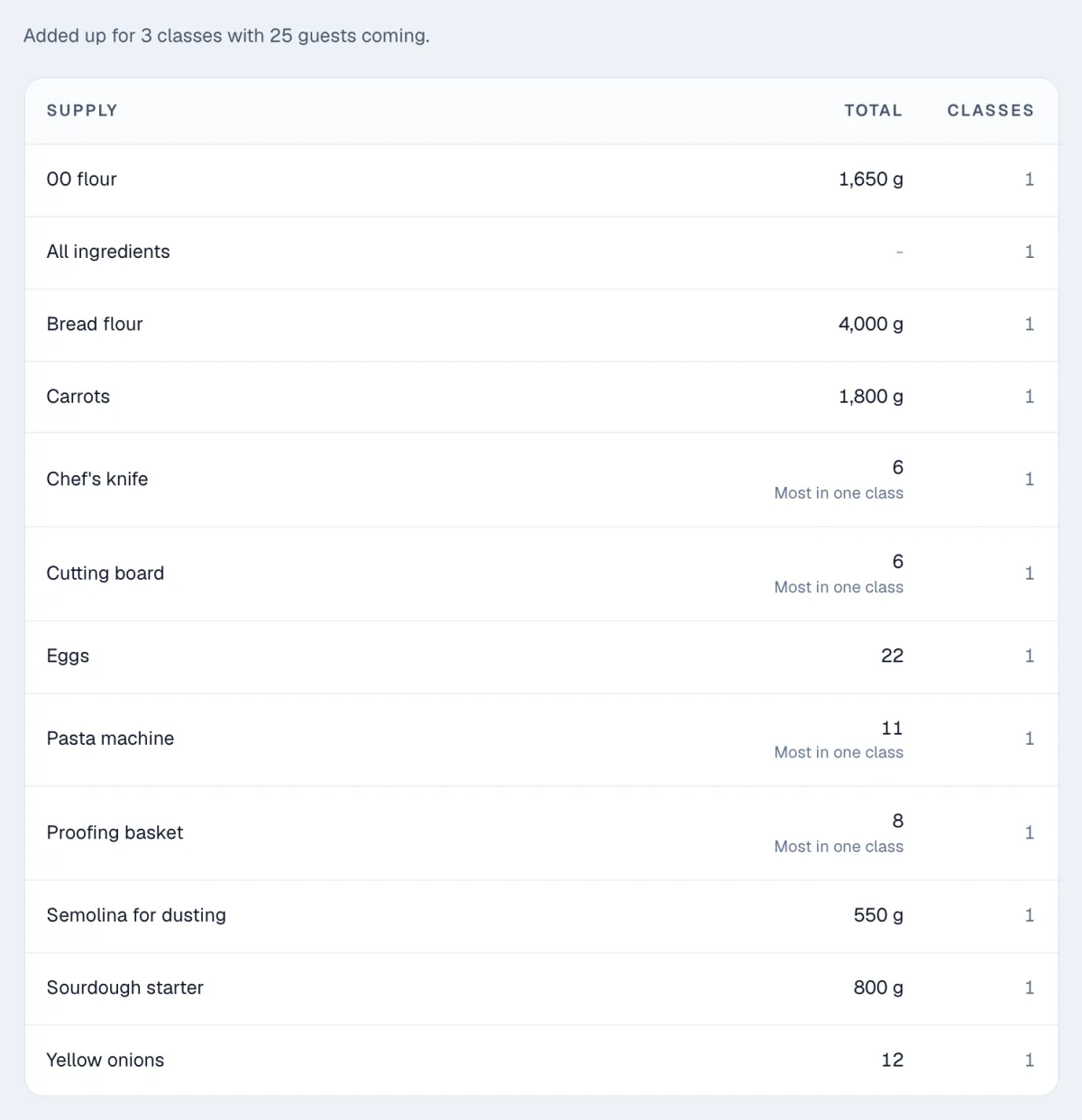
The Shopping list report adds up the studio's supplies across every scheduled class in a date range, and downloads as a CSV for a spreadsheet.
Mark equipment as reused between classes, like easels or knives, and the list counts it for the biggest class instead. Five paint nights of 12 guests need 12 easels, not 60.
One list on each class.
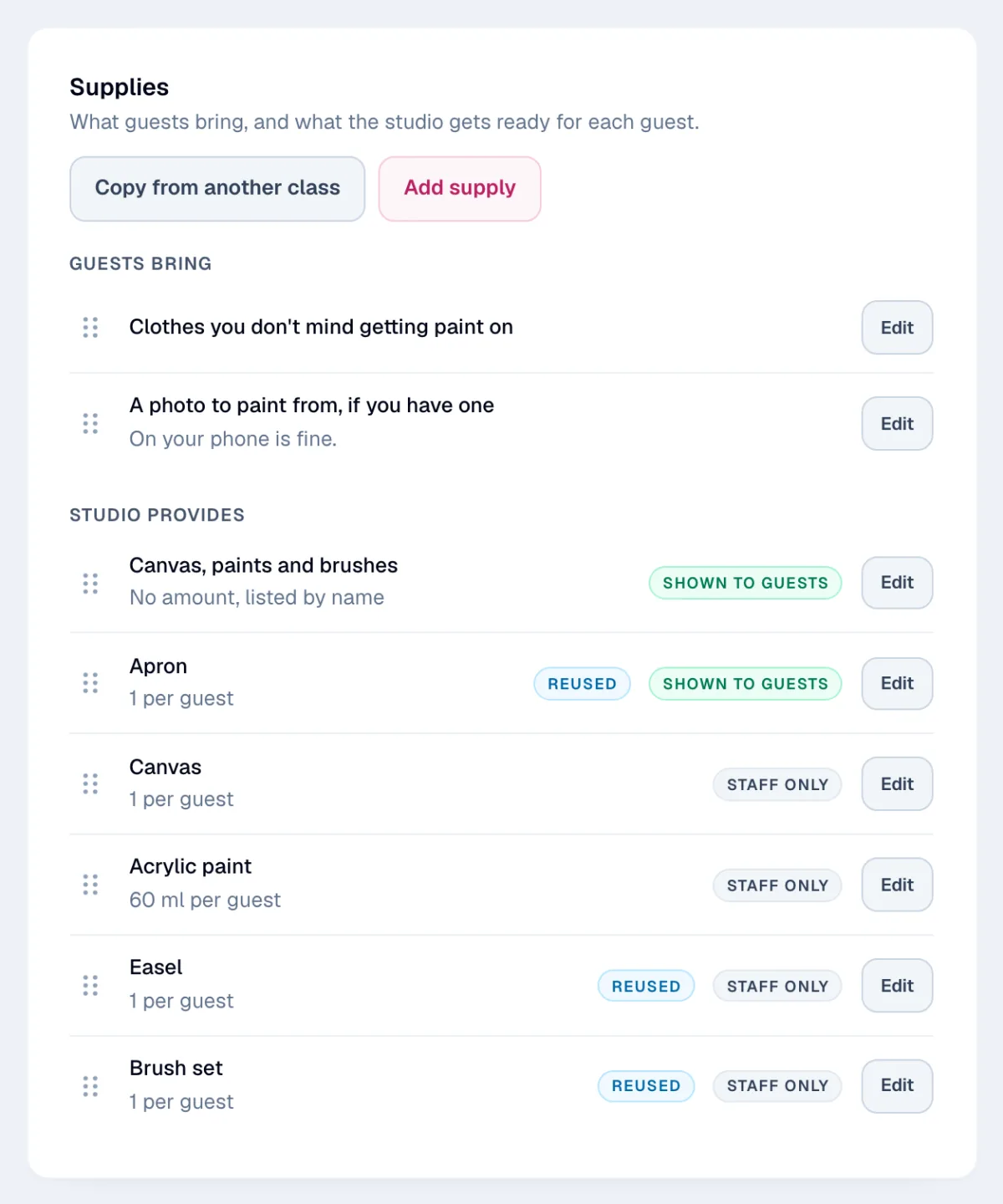
Each class has its own Supplies card. Add an item, say whether the guest brings it or the studio provides it, and drag the list into order.
Running a similar class? Copy the list from another class and change what is different.
Everything a class needs, written down once.
- What to bring, before they pay. Guests see the list on the hosted booking page and in the booking widget on your own site.
- In the emails too. The booking confirmation, the course confirmation and the class reminder all repeat it.
- Show what is included. Tell guests the aprons or the helmet and paddle are provided, or keep a studio item on the team's list only.
- A note on any item. "Sandals with a back strap or old sneakers. No flip-flops." Guests read it under the item.
- Linked to an add-on. "Bring an apron, or buy ours." A guest item can point at one of the class's add-ons.
- Amounts per guest. Grams, eggs or sheets of paper, in whatever unit the studio buys in. The roster multiplies them out.
- Reused equipment counted once. Easels and pasta machines are counted for the biggest class on the shopping list, not for every class.
- Copied from another class. Start a new class with the list from a similar one, then change what is different.
Start with what guests forget.
Add the two or three things guests most often forget to one class. Add the prep list when you're ready, and the shopping list fills in from it. Extras guests pay for belong in class add-ons, and a supplies item can point at one.
Related features
Tell guests what to bring.
Add a supplies list to any class. Guests see what to bring, and the team sees what to prepare for the guests coming.
30-day free trial · Cancel anytime